

Automatic Cloud Backup and File Synchronization for Windows, macOS, and Linux
Download FileLuSync for automated file backup and synchronization.



For Windows:
WinFsp
is required for drive mounting. If it does not work, install WinFsp and restart your PC.
Note: Some antivirus programs may falsely flag
FileLuSync.exe. Please whitelist or add it as an exception in your antivirus settings.
macOS Installation Instructions
- Download and install the FileLuSync DMG file.
- Open Terminal from Launchpad, or press Command + Space, type Terminal, and press Enter.
- Run this command:
- Install macFUSE, required for mounting:
-
To auto start FileLuSync when you log in, run:
Or follow Apple’s guide: Open items automatically when you log in on Mac .
Done! You can now open FileLuSync and automate the synchronization and backup of your files and folders.
FileLuSync for Linux
Select your system architecture and run the command.
Linux amd64: Ubuntu, Debian, Fedora, Red Hat, AlmaLinux, CentOS, Linux Mint.
Linux arm64: Raspberry Pi 64-bit or other ARM-based devices.
Linux arm64: Raspberry Pi 64-bit or other ARM-based devices.
KDE Plasma Requirement
For some Linux versions, KDE Plasma may be required. Select your distribution to view installation instructions.
FileLuSync Features
Automate backup, sync, upload, download, and drive mounting.
Simple & Intuitive: A user-friendly design for effortless cloud backup and sync.
Real-Time Uploads: Automatic file backup from PC to FileLu.
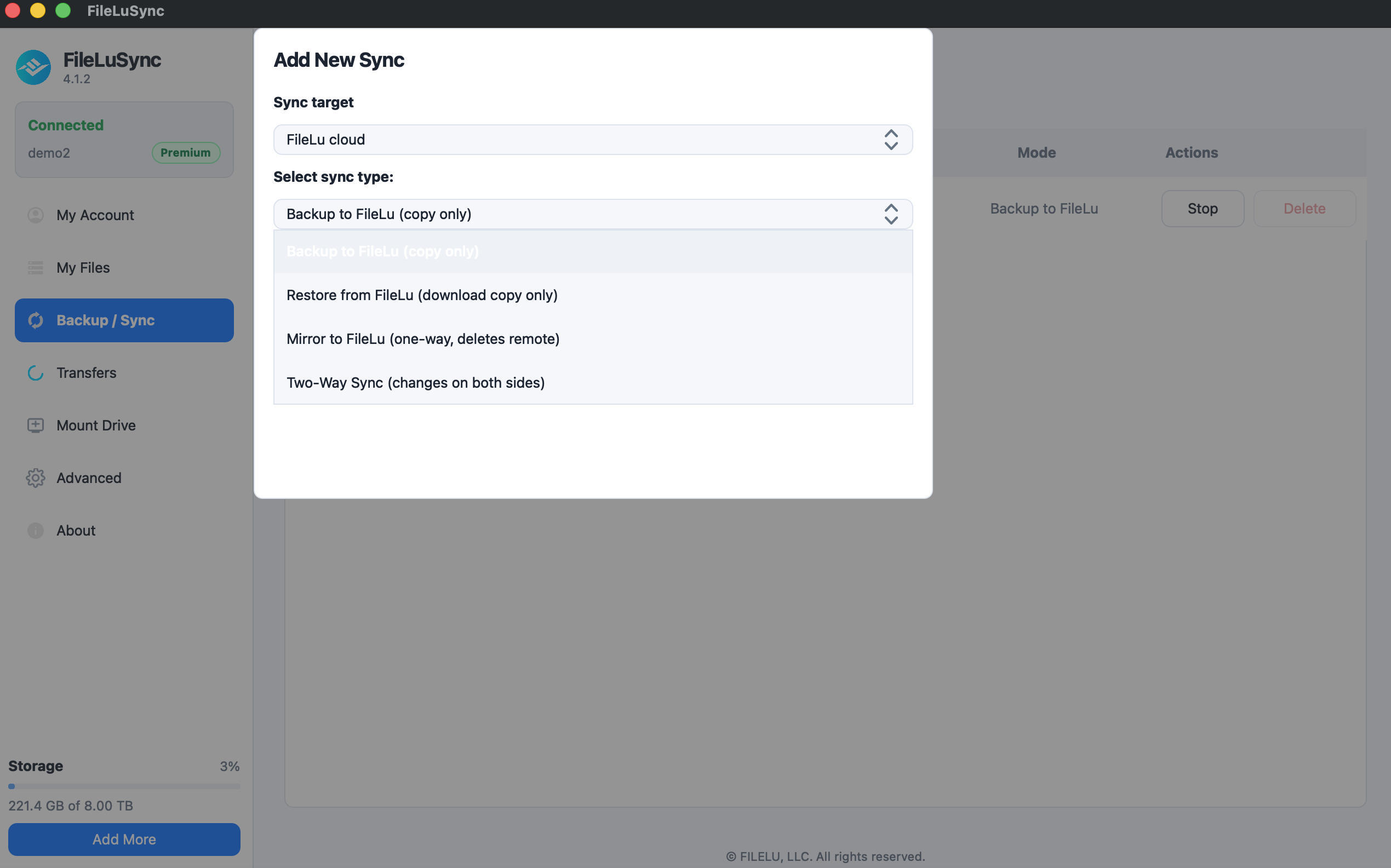
One-Way Sync: Real-time upload mirror from PC to FileLu.
Download Backups: Back up FileLu files to your local desktop.
Two-Way Sync: Keep folders synced in both directions.
Mount Drive: Mount FileLu as a virtual drive and access your cloud files like a local folder.
FileLuSync FAQs / Help
Common setup questions and troubleshooting tips.
Ensure FileLuSync is turned ON in My Account. Log out and log back in via browser, then retry FileLuSync login.
Generate a temporary password from My Account to use FileLuSync.
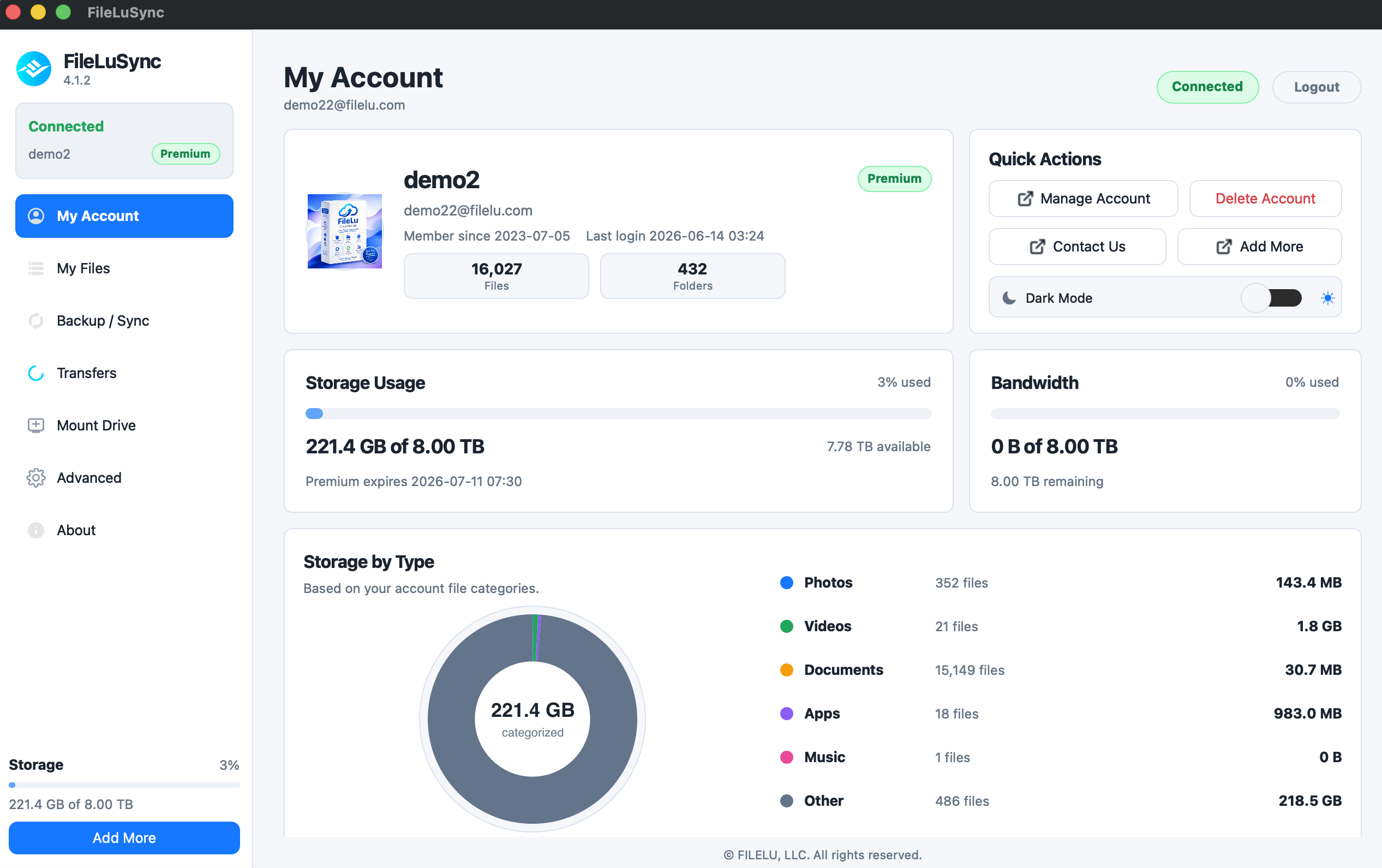
Look for the blue FileLu logo in your system tray on Windows or the top menu bar on macOS.
Auto backup, one-way sync, two-way sync, background uploading/downloading, drive mounting, and Vault folders encrypted on your device.
No, it starts automatically after initial setup.
Yes. Files you upload into a Vault folder with FileLuSync, on your computer or on your phone, are encrypted on your device before they leave it (end-to-end). You can open them in the app after you unlock your Vault with your master key, and FileLuSync can also download or sync a Vault folder back to your computer or phone, where the files are decrypted. We never have your master key and cannot recover it if you lose it.
Install the FileLuSync mobile app and enable Camera Roll Upload in the menu.
Overview
Trusted by 146,000+ users worldwide.
Secure, scalable cloud storage with the tools, apps and encryption you need, and no hidden fees. Start free and grow to a petabyte.
146,000+users worldwide
1 GBfree to get started
1 PBscalable storage
$0request or retrieval fees