

FileLu Browser Extension
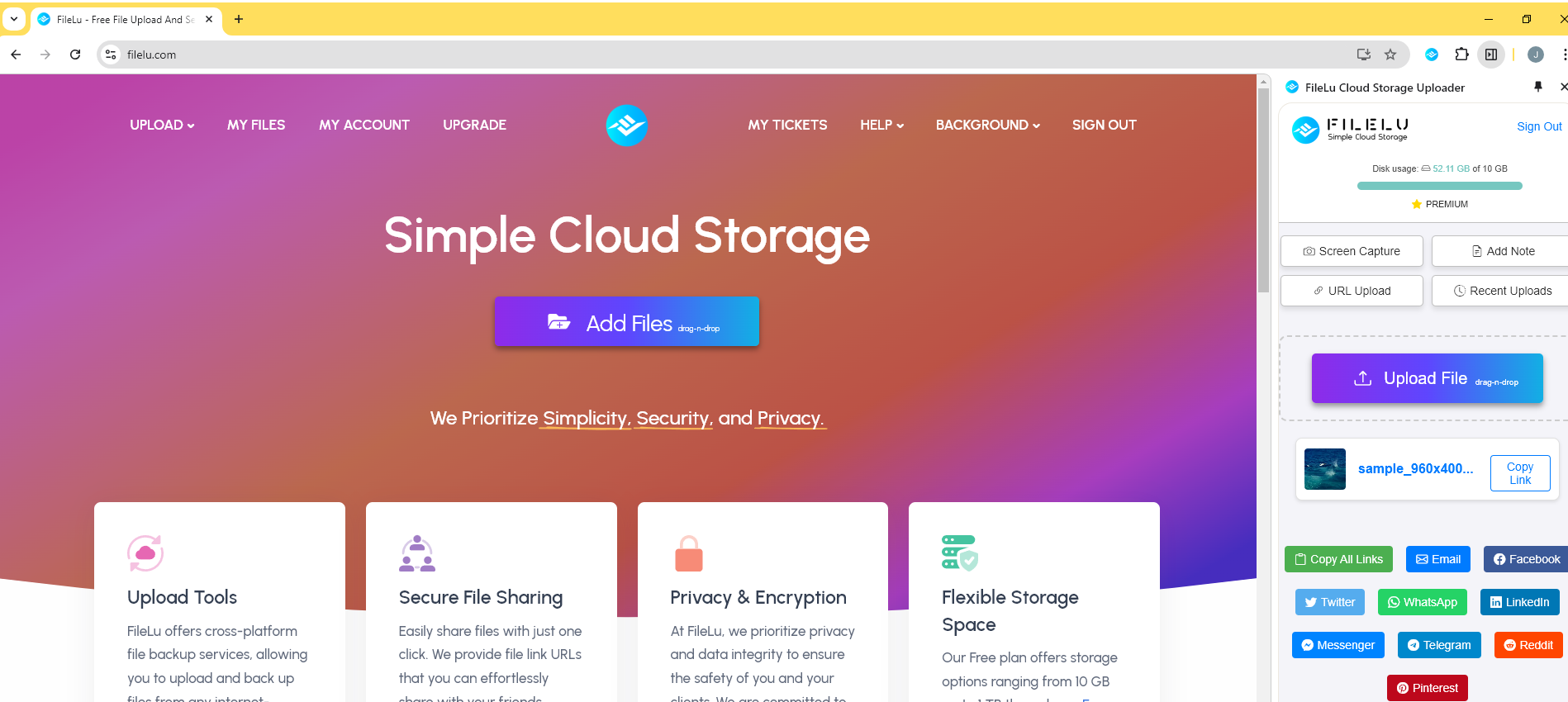
Upload files, save images, capture screenshots, create notes, and share links directly from your browser.
FileLu Uploader Extension
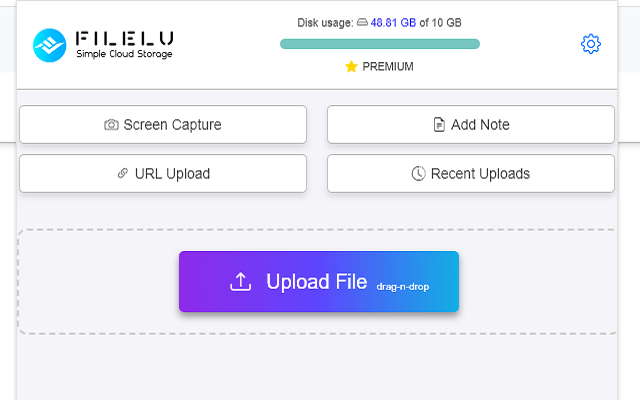
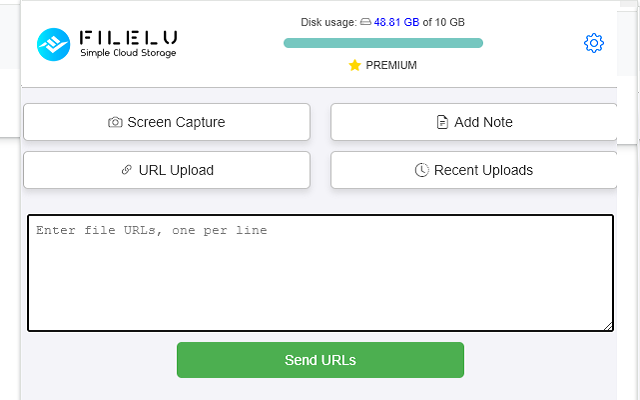
Effortlessly manage your uploads with the FileLu Uploader extension. Upload files, perform remote URL uploads, take screenshots, save images, save highlighted text, and add notes directly from your browser to your FileLu account.
Whether you're uploading documents, images, or videos, the extension simplifies the process and helps you work more efficiently without leaving your current webpage.
This extension is ideal for professionals, students, and anyone who frequently needs to upload and share files or visual content without unnecessary steps.
Key Features
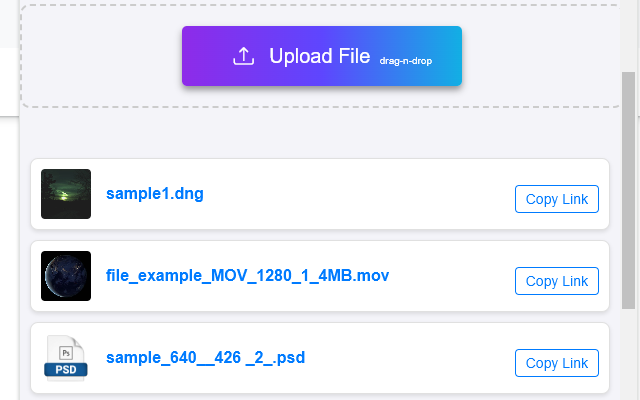
Upload Files: Upload files and folders by drag and drop.
Remote URL Upload: Save any file from a link directly to FileLu.
Screenshot: Capture and upload screen or window snapshots.
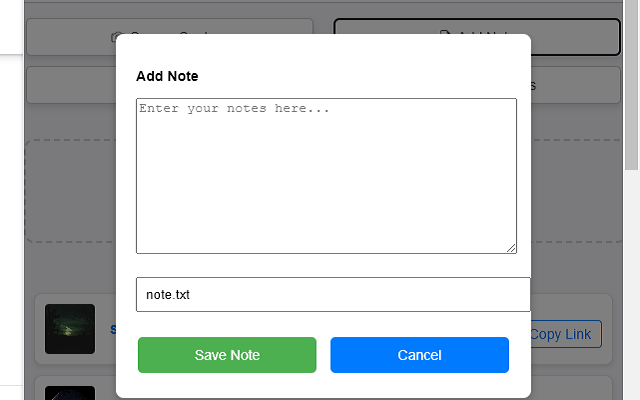
Add Notes: Save notes directly from your browser.
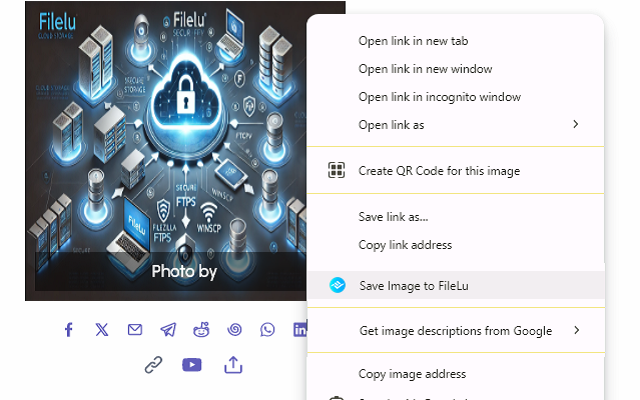
Save Images: Right-click any image to save it to your cloud.
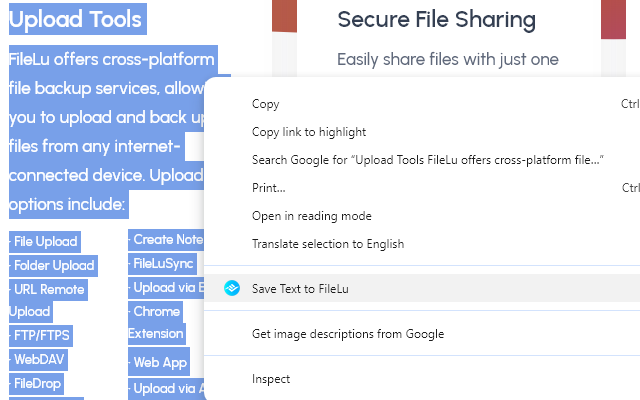
Save Text: Highlight text and save it as a FileLu note.
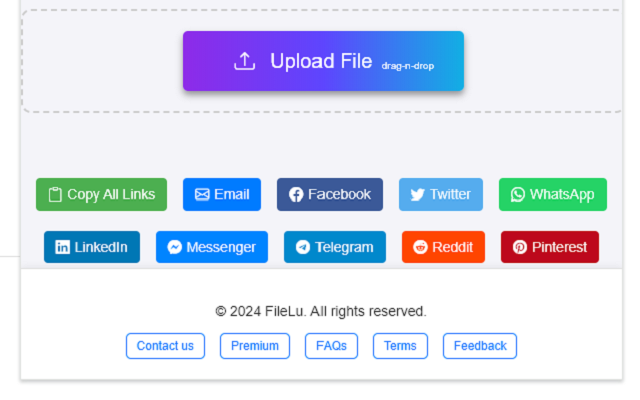
Share Links: Instantly copy public links after upload.
Social Sharing: Share files to social platforms in one click.
Overview
Trusted by 146,000+ users worldwide.
Secure, scalable cloud storage with the tools, apps and encryption you need, and no hidden fees. Start free and grow to a petabyte.
146,000+users worldwide
1 GBfree to get started
1 PBscalable storage
$0request or retrieval fees