
FileLu 2026 Update: New Modern UI, Stats Page, Media Library, and Improved File Management
We have been improving FileLu with a refreshed interface, new account insights, better upload tools, and more updates designed to make file storage, backup, sharing, and transfer easier.
During the second quarter of 2026, we released several updates focused on making FileLu faster, cleaner, easier to use, and more helpful for managing your files, storage, bandwidth, and account activity.
What’s New
New Modern FileLu Interface: We refreshed many areas of FileLu, including the dashboard, account pages, file tools, upload pages, download pages, and Create Document page. The new experience is cleaner, more polished, and easier to use across desktop and mobile.
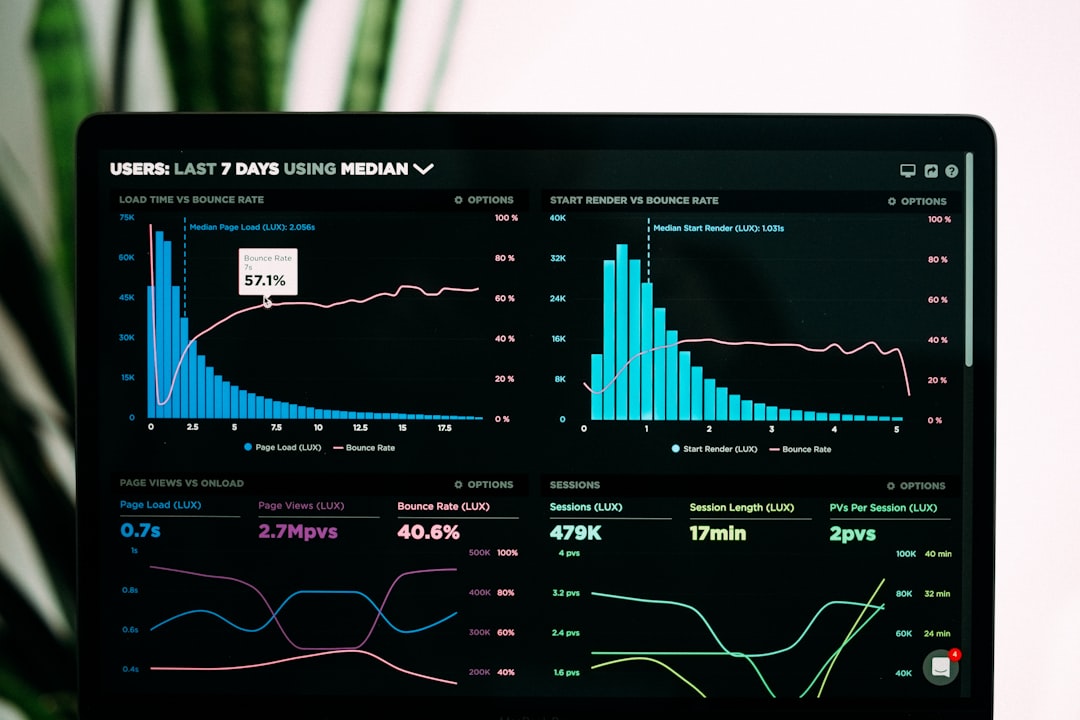
New Stats Page: The new Stats page gives you a clearer view of your storage, bandwidth, files, upload activity, and account activity in one place. It helps you better understand how your account is being used and makes it easier to track your storage and transfer usage.
New Media Library Page: We introduced a new Media Library page to make browsing photos, videos, music, and other media files easier. It gives users a more visual way to access and manage media stored in their FileLu account.
New Set Avatar Image Feature: You can now choose any image from your FileLu account and set it as your profile avatar. This gives your account a more personal look while using files you already have stored on FileLu.
Updated File Management: We improved the My Files experience with cleaner file lists, better menus, improved actions, and a more polished layout across desktop and mobile. Copying, moving, sharing, and organizing files and folders should now feel smoother and easier.
Improved Upload and Download Experience: Upload and download pages have been improved with a cleaner design, better messaging, and a smoother experience for both FileLu users and shared file visitors.
Additional Improvements
This update also includes cleaner dashboard and account pages, an improved Create Document interface, better mobile navigation, improved storage and bandwidth display, updated file type statistics, better copy and move actions, improved folder-to-folder organization, a smoother copy link and share link experience, and better support for FileLu upload tools and backup workflows.
Designed for Everyday Storage, Backup, and Sharing
FileLu continues to support many ways to upload, manage, back up, and access your files. Whether you use FileLu for personal storage, business files, media backup, remote transfer, or automation, we want the platform to feel simple and reliable.
FileLu supports multiple upload and connection tools, including S3-compatible storage, WebDAV, FTP/FTPS, Rsync, Rclone, URL upload, browser tools, API access, mobile apps, and the FileLuSync app.
Coming Next
We are continuing to improve FileLu with more dashboard improvements, additional backup and sync enhancements, an improved FileLuSync app experience for desktop and mobile, more S3-compatible storage improvements, continued UI polishing, and more tools to help users manage storage, bandwidth, upload activity, and files more easily.
Thank You for Using FileLu
Thank you for being part of FileLu. We are continuing to improve the platform and appreciate your feedback as we build a better cloud storage, backup, and file transfer experience.